

Boards and workflows
Configure boards, work-type paths, and transition rules.
ExploreOne controlled workspace
Run project management, docs, company memory, and human-supervised AI in TOW Cloud or on controlled infrastructure.
All current product capabilities are included on every plan. Enterprise support is a separately scoped service.

TOW was built in Germany by security professionals with 20+ years of critical-security experience.
Built for air-gapped high-end security environments and public services.
Behaves exactly like the tools your team is already familiar with: Jira & Confluence
Product

Boards, workflows, goals, roadmaps, sprints, and time stay connected.

Specs, decisions, runbooks, and references live beside delivery work.

Review durable facts with explicit type, state, confidence, and importance.

Ground answers, run agents, and review proposed changes.
Reviewable AI
Answers use permission-aware workspace context and references so people can inspect the basis.
Configurable agents help with repeat operating work across projects, docs, and memory.
Proposals enter review flows where a person can inspect, accept, or reject the change.
Migration
Seamless migration workflows cover Jira Data Center, Confluence Data Center, and Jira Service Management Data Center. Notion migration is also supported.
Inspect source projects, object counts, conflicts, and excluded records before import.
Select source projects, resolve key conflicts, and choose the categories to import.
Review imported counts, attachment warnings, exceptions, and follow-up logs before cutover.
Capabilities
Configure boards, work-type paths, and transition rules.
Explore
Connect execution to goals, roadmaps, and epics.
Explore
Turn live workspace data into team views and reports.
Explore
Configure the structured fields used to collect requests.
Explore
Trigger repeat actions from events and workflow transitions.
Explore
Control explicit member access to a project.
Explore
Everything you get on cloud, deployed on your infrastructure. Same speed, same capabilities, zero trade-offs.
Security and access
Configure explicit member access for a project.
Choose an organisation authentication method across SAML, OIDC, and LDAP options.
Inspect accepted and rejected proposals in decision history.
Operate a fully isolated Docker Compose deployment without external network access.
Simple pricing
Every current TOW product capability is included on every plan. Choose based on eligibility, seats, hosting responsibility, and who provides the AI endpoint, not to unlock more software.
Enterprise support is a separately scoped service. Contracted enterprise SLAs are available with Enterprise. BYOK provider usage, self-hosted infrastructure, taxes, and negotiated services are separate. Talk to us about enterprise support.
Pricing
Every current product capability is included. Choose cloud or self-hosted, then switch between your own AI and TOW AI, not between feature tiers.
TOW Cloud
Up to 20 users
All product capabilities included
TOW Cloud
21 or more users
All product capabilities included
Self-hosted
21 or more users
All product capabilities included
Latest writing
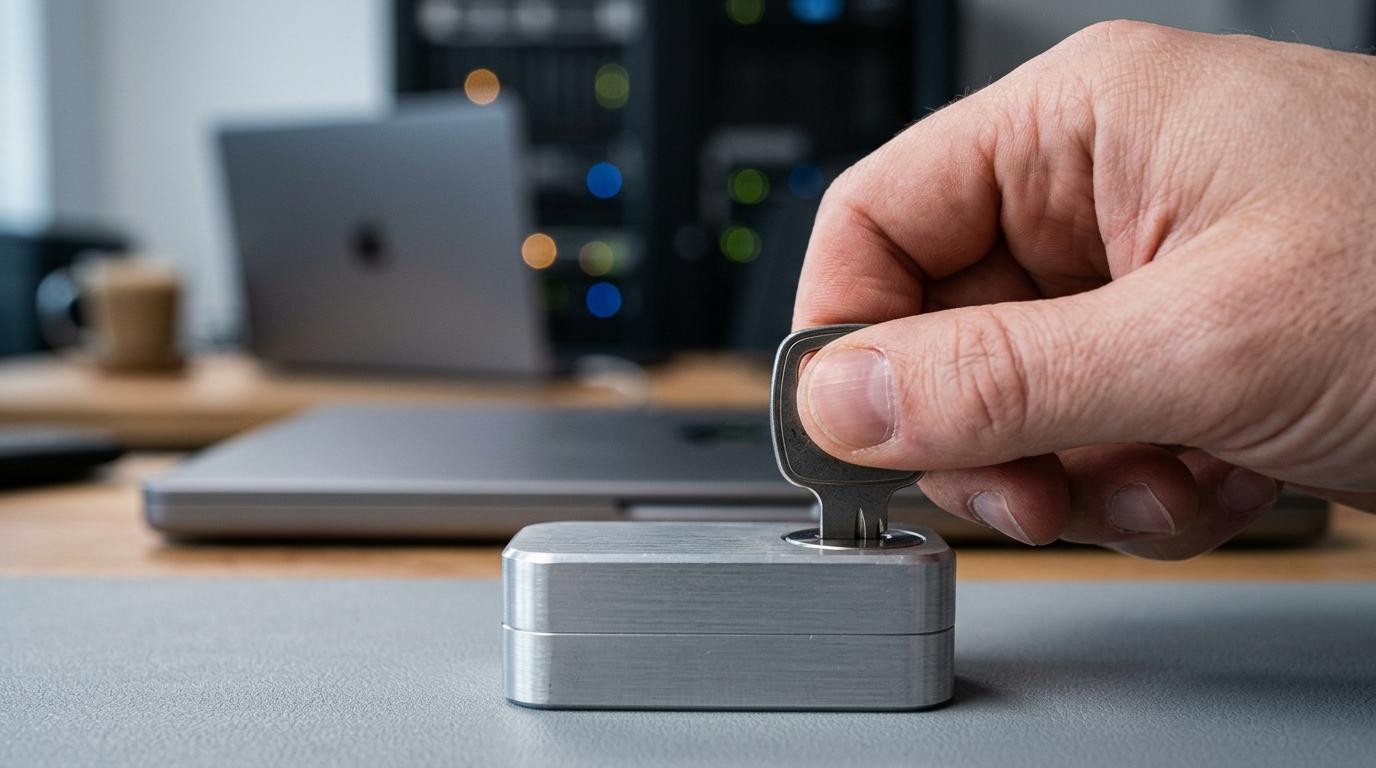
BYOK in AI workspaces improves security, billing control, and governance, but adds KMS costs, key lifecycle risk, and admin complexity.
Read article
Compare 8 secure internal AI chatbot platform options for teams, with a focus on SSO, least-privilege access, hosting, and auditability.
Read article
Audit log software from TOW centralizes projects, docs, access, and AI actions with explicit permissions, exports, and deployment control.
Read articleFAQ
Current product, deployment, and commercial boundaries.
TOW is one workspace for project execution, docs, company memory, and reviewable AI. Teams can use TOW Cloud or operate a self-hosted deployment.
Yes. TOW ships for Docker-based deployment with reverse proxy, authentication, storage, AI provider, and administrator configuration documented separately.
TOW provides seamless migration workflows for Jira Data Center, Confluence Data Center, and Jira Service Management Data Center. Notion migration is also supported.
TOW can answer, draft, and propose changes. Review-oriented flows keep consequential proposals visible for a person to inspect before acceptance.
See TOW in your environment